
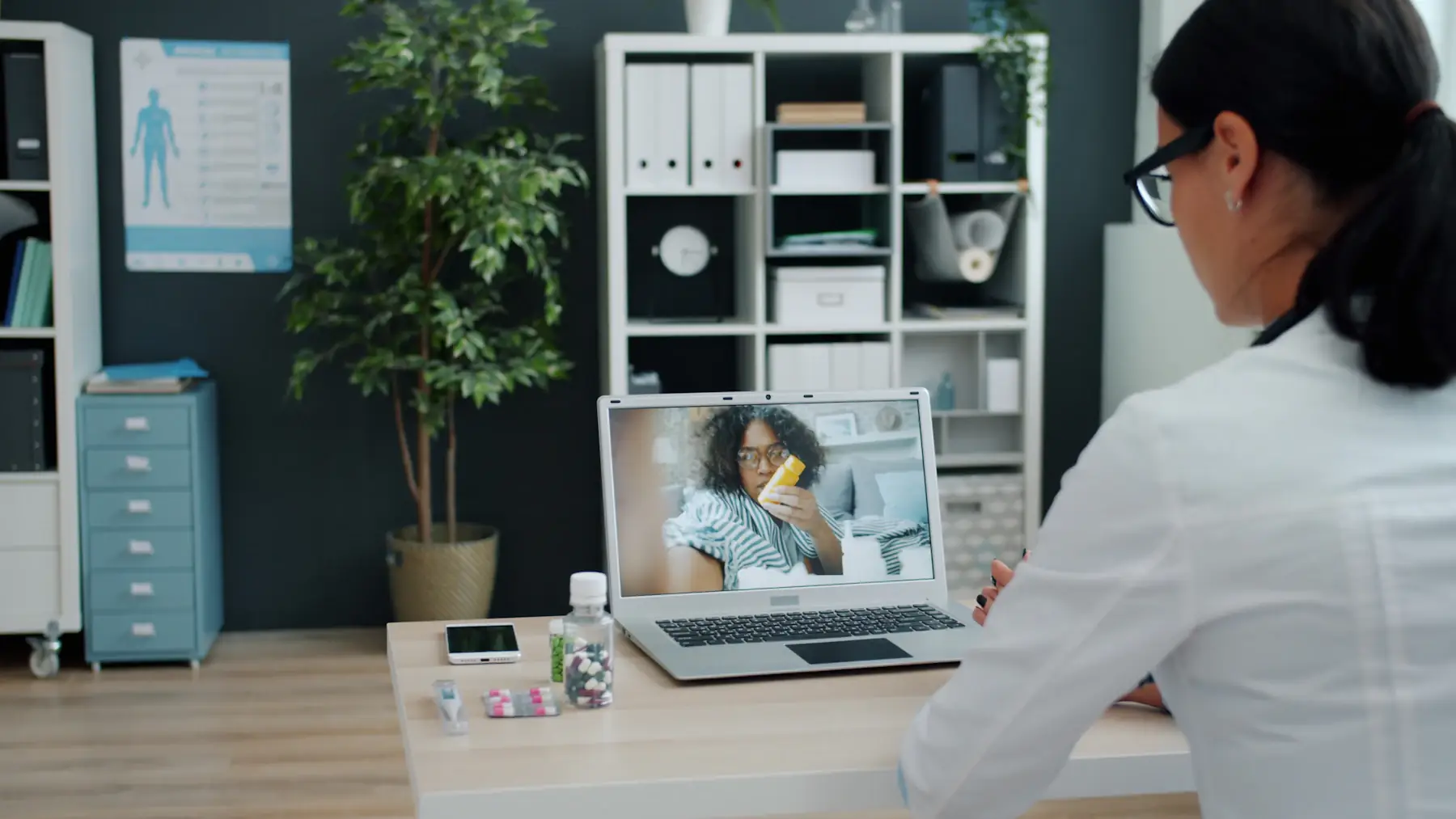
Telehealth
One link for your practice.Every video visit booked and remembered.
Patients open one page to book a video visit, ask how it works and rate it. Alfred handles the reminders.
Free to start. Paid plans from $20/mo. See pricing
Northside Virtual Care
Good afternoon.
How can we help you today?
 Ask Alfred anything…
- Book a visit
How did we do?
Tap a star. It takes two seconds.
Not greatLoved itSubscribe
Offers and news from Northside Virtual Care. No spam.
you@example.comSubscribeOne link
for every booking and question
Any hour
video visits booked from the couch
Your OK
before any follow-up is sent
EN + ES
In each customer’s language
Book a visit
Pick a provider and an open time right in the portal, or open your own scheduler, from the chair in the waiting room.
Ask Alfred
Typed right on the portal: hours, prices, parking, what to expect. Answers come from your own website.
Leave a review
Asked at the right moment, sent straight to your Google page.
Join your list
Their email, from the Subscribe card, for the follow-ups. Nothing sends until you approve it.

Get started fast
Up and runningin three steps.
01
Build your portal
Paste your website. Alfred builds a page for booking video visits and answering patient questions.
02
Print your QR
Put the link in confirmation emails, your website header and visit summaries. Print the QR for anywhere patients see you in person.
03
Start capturing leads
Patients book a video visit, ask how it works and rate it afterwards, from one link.
For virtual care
Your waiting room is a link.
A telehealth practice has no counter for a sign, so everything a patient needs has to live behind one link: booking, answers about how video visits work, and a way to come back.
- Book a video visitChoose a provider and an open time, then add the visit to their own calendar from the booking screen.
- Ask how it worksDevices, insurance questions you answer on your site, what to have ready. The agent replies from your own details.
- Reach the teamEmail or call in one tap when a person is needed.
- Rate the visitA star rating after the call, with your Google review link.
Northside Virtual CareExample portalNorthside Virtual Care
Do I need to download anything for the video visit?
That depends on the video tool we use, and we explain how to join when you book. Want me to find you a time?
Yes, tomorrow evening please.
Video visit booked
Tomorrow · 6:00 PM
How to join is in your confirmation email, with a reminder the day before.
One link in every email, the whole practice behind it
Northside Virtual Care
Do I need to download anything for the video visit?
That depends on the video tool we use, and we explain how to join when you book. Want me to find you a time?
Yes, tomorrow evening please.
Video visit booked
Tomorrow · 6:00 PM
How to join is in your confirmation email, with a reminder the day before.
Built for how you work
A waiting room that works from any screen.
Patients who cannot find the booking page
One link in every email and on your website opens the portal, with providers and open times on the first screen.
No-shows on video visits
The day before, a reminder email goes out, and the booking screen lets them add the visit to their calendar.
The same how-does-this-work questions
Which devices work, whether a camera is needed, how long a visit takes. The agent answers from your own site, around the clock.
Patients who book once and drift
On Pro, upload your visit history and Alfred shows who is due for a follow-up visit, then sends a note with a link to book it.
Alfred handles front-desk work: bookings, reminders, questions about hours and services, and reviews. It is not a place for medical records, so keep treatment and health details out of chat. How we handle health data
Use case · Clinics & Practices
See a week with Alfred
A dental practice whose front desk stops living on hold: the setup, a week moment by moment, the time and money in play, and what to do first.
Larkspur Family Dental is a fictional business. The numbers are worked out from stated assumptions.
Read the use case- Hours a week back, worked out line by line
- Money in play, with cited industry numbers
- Four things to do this week
Simple, transparent pricing
Build your price
Pick a plan, then add only what you need. The price updates as you go.
Billing period
2. Add what you need
Need more locations or a team? That’s Pro.
Your monthly price
$20/mo
- Starter plan$20
What checkout charges, billed monthly. Cancel anytime.
Get StarterStarter includes
Everything in Free, plus
- No “Powered by Alfred” badge
- Agent in your portal: answers and books
- Before the visit: booking reminder
- After the visit: review & referral
- When customers reply to a follow-up, it lands in Conversations
- Up to 1,000 customers
- About 300 agent replies a month
Start free. Your portal and QR never expire. Agent replies are metered from your included credits; top up only if you outgrow them.

Your video visit is tomorrow
Hi Priya, your video visit with Dr. Lee is tomorrow at 4:30 p.m. Find a quiet spot with good light a few minutes before. If the time no longer works, pick another one from the link below.
A more personal experience
Care that follows them home.
Between video visits, Alfred keeps in touch with each patient in your words, so nobody slips through the gaps of a virtual practice.
- A reminder the day before, so the chair is not empty.
- After the visit, a review ask while it is fresh.
- Someone asked about a treatment. Alfred replies and invites them to book.
- Asked about a visit in the chat but did not book? A friendly next-day note with a link to book.
Frequently asked questions
Straight answers.
Everything you need to know, in a few clicks.
Still have a question? Ask usDoes Alfred run the video call?
No. Alfred handles everything around the visit: booking, reminders, questions and reviews. The call runs on the video tool you already use.
Where should the link go?
Your website header, booking confirmations, visit summaries and email signature. The QR code is there for flyers or any office you see patients in.
Can patients book outside office hours?
Yes. The page is always open. Patients pick from the open times on your calendar whenever they visit, and the agent answers questions at night too.
Is it HIPAA compliant?
There is no Business Associate Agreement in place today. Use Alfred for scheduling and front-desk questions only, and keep health details out of chat.
Can we bring back patients who have not booked in a while?
Yes, on Pro. Upload your appointment history and Alfred shows who is due back, then emails a check-in with a link to book.
What if a patient replies to a follow-up?
Check-ins are part of Pro. Replies to one come to you, not the agent, and words like pain or swelling alert you right away.
Can patients pick their provider?
Yes. Each provider can have their own calendar, and patients choose who they see and when.
Do we still need a QR code?
Less than an office does. Most patients will use the link. The QR code is useful on printed letters, flyers and anywhere you meet patients in person.
What do patients see on the page?
Your practice name and colors, a button to book a video visit, a box to ask a question and a way to reach your team.
Can patients ask questions before booking?
Yes. The agent answers from your website, like which conditions you see online, what a visit costs and how long it takes, and hands over to your team when needed.
Can we list the states or regions we serve?
Put them on your website or in your details, and the agent tells patients where you can see them before they book.

Your next patient isone link away.
Build your telehealth portal today and put every booking behind one link.